Incoming calls
Answer configured customer calls during business hours, after hours or when staff are busy.
Answer customer calls, understand what they need, capture the right details, support bookings and follow-up, and bring your team in when human judgement is the better choice.
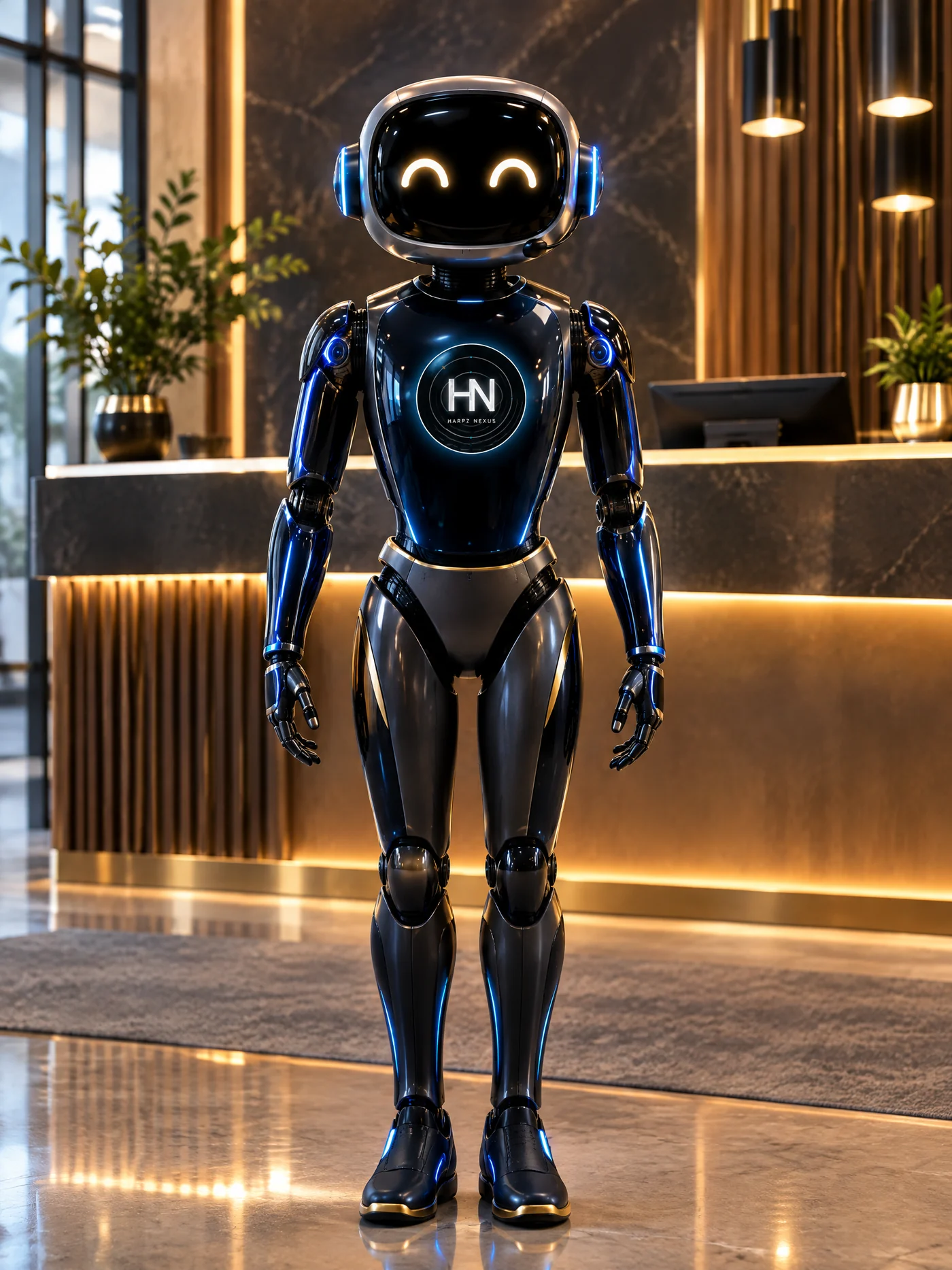
The value comes from understanding the call and moving it toward the correct business action without pretending the AI should handle everything.
Answer configured customer calls during business hours, after hours or when staff are busy.
Use approved services, hours, locations, FAQs, policies and business terminology.
Capture name, contact details and the information your team actually needs.
Distinguish a booking, quote, service question, callback, complaint or other configured reason.
Create structured lead context instead of leaving staff with only a missed-call notification.
Ask approved follow-up questions so the next team member has useful context.
Create booking or callback workflows where the chosen calendar or booking system is verified.
Support changes only where the connected booking workflow and permissions allow it.
Use configured follow-up logic when a normal call path cannot be completed.
Send or prepare confirmations, next steps and reminders where messaging is configured.
Support selected languages and terminology where the provider and configuration are verified.
Route urgent, sensitive, complex or high-value matters to a person using agreed rules.
Configuration is based on approved business content. Unknown or sensitive matters should fall back to a safe answer, message capture or human escalation.
Opening hours, service areas, address, parking, common service information and other basic business facts.
Business names, product/service terms and pronunciation can be prepared for the selected voice/provider setup.
Where appropriate, a fallback can capture a clear message if the normal AI or transfer path is unavailable.
Every production setup is tested against real customer scenarios before launch.
Identify caller intent and check approved business knowledge.
Collect customer details and required context.
Create the configured booking, lead, message, staff notification or follow-up.
Bring a person in whenever the agreed workflow says automation should stop.
After onboarding, each client is assigned one main representative. The names below are temporary examples for the platform layout and can be edited/assigned from Admin later.
Dashboard visibility is designed around useful customer and operational information, while recordings and transcripts are included only when enabled, appropriate and legally handled.
Clear summaries of customer intent, details collected and the next action.
Shown only when the selected provider supports them, they are enabled, and disclosure/data handling requirements are satisfied.
Client dashboard design includes calls, conversations, leads, bookings, SMS, usage, performance and assigned support.
Send the right summary to the right person or team through an approved connected channel.
Connect to verified systems for booking, lead, customer or job actions where supported.
Each client workspace shows one assigned Harpz Nexus contact for ongoing support.
See how language, terminology, summaries and escalation can work together.
Explore multilingual →See the categories of calendars, CRM, SMS, telephony and automation connections.
Explore integrations →See Starter A$49, Growth A$99, Business A$149 and Enterprise custom.
See pricing →We can map intents, questions, booking actions, SMS, integrations and human handover rules before any production connection is changed.